
Borneo Schematics - Mobile Hardware Solution
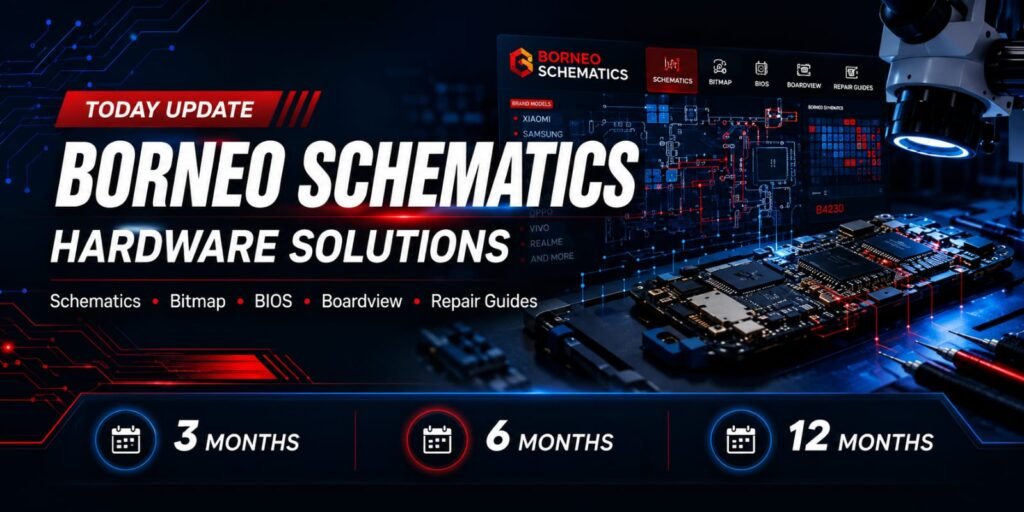
Borneo Schematics Provides Useful Hardware Repair Resources For Mobile Phone Technicians, Including Schematics Diagrams, PCB Bitmaps, Diode Values, Voltage Measurements, And Component-level Troubleshooting Refrences. Explore Borneo Schematics Activation Packages With
3 Month -6 Month And -12 Month
Options To Support Your MobileRepair Needs.
How to Activate Borneo Schematics
Easy step-by-step guide for mobile technicians.
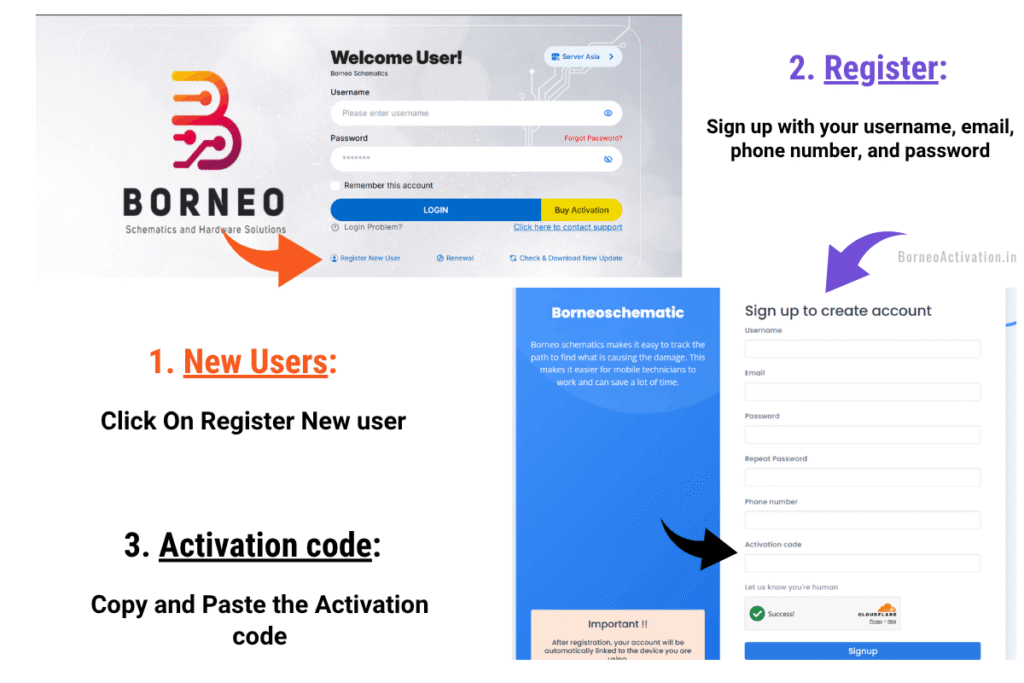
New User Activation Process
1. Download & Install: Download the Borneo file on your Windows PC and install it.
2. Open App: Open the tool on your PC screen and click Register New User at the bottom.
3. Enter Details: Fill in your chosen Username, Email, Phone Number, and Password.
4. Paste Code: Paste the Activation Code you purchased from us and click Sign Up.
5. Verify Email: Open your email inbox, check for the Borneo mail, and verify your account.
6. Log In: After verification, log in to the tool using your username and password.
Username Tip: Please use a single-word username (no spaces). Letters and numbers only.
Old Users Renewal Process
1. Open Portal: Click the blue button below to open the new official Borneo online dashboard.
2. Log In: Enter your current Borneo username and password to log in.
3. Paste Code: Click on the Renewal button inside the portal and paste your new Renewal Code.
4. Restart Tool: Close the Borneo tool on your PC completely, open it again, and log in.